
Why You Need a Dedicated Media Player
Have you ever downloaded a video only to discover it won't play? Or experienced choppy playback, missing subtitles, or poor video quality? A modern media player eliminates these frustrations by supporting virtually every popular video and audio format while delivering smooth, high-quality playback.
Whether you're watching movies, TV shows, tutorials, recorded meetings, or personal videos, the right media player makes every viewing experience faster, easier, and more enjoyable.
The default video player included with Windows isn't always enough. Many file formats require additional support, and advanced playback features are often missing. A professional media player gives you smooth playback for high-resolution videos, support for hundreds of video and audio formats, better subtitle compatibility, faster loading times, advanced playback controls, and improved audio and video quality.
Instead of searching for codecs or converting files, simply open your media and start watching.
Modern media players are designed to handle nearly every popular media format, opening files such as MP4, MKV, AVI, MOV, WMV, FLV, MPEG, MP3, FLAC, AAC, OGG, and DVD media.
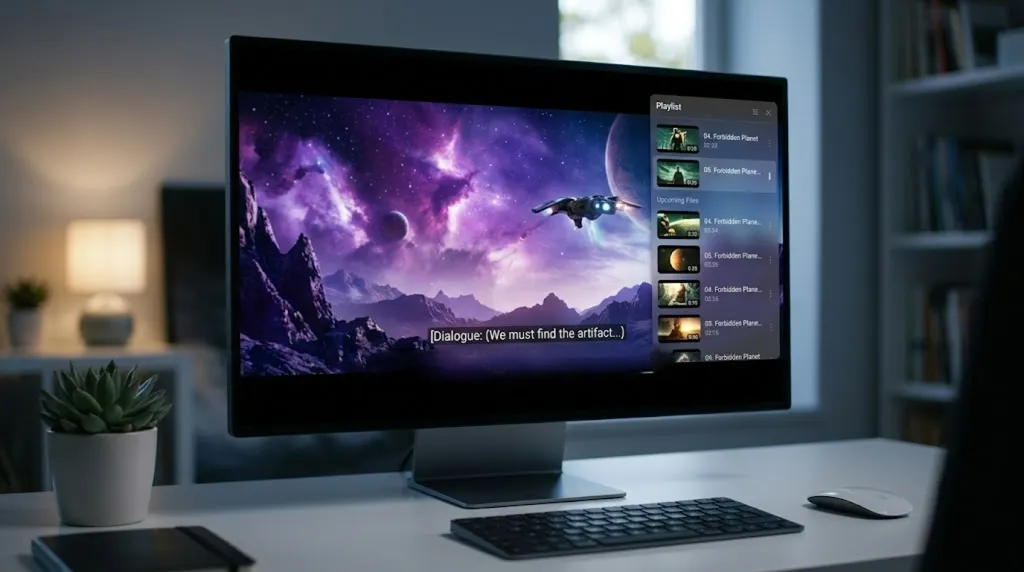
Whether you're watching a family video or the latest blockbuster, image quality matters. An advanced media player supports Full HD (1080p), 4K Ultra HD, 8K Video, HDR content, HEVC (H.265), H.264, and high frame-rate playback. Hardware acceleration helps deliver smooth performance while reducing strain on your computer.
Great video deserves great audio. A quality media player enhances your listening experience with support for high-quality audio formats and playback controls that help you hear dialogue more clearly and enjoy richer sound — perfect for movies, music, podcasts, concert recordings, and educational videos.
Watching content from around the world should be simple. A capable media player supports multiple subtitle formats and lets you easily synchronize subtitles, adjust font size, change colors, move subtitle position, and customize display settings. Enjoy international films exactly the way they were meant to be watched.
Every viewer has different preferences. Modern media players let you pause and resume instantly, change playback speed, skip to any scene, capture screenshots, create GIFs from videos, zoom and rotate video, build playlists, and repeat favorite scenes. You stay in complete control of your viewing experience.
Whether you're a student, professional, gamer, or movie enthusiast, a reliable media player helps you enjoy media without interruptions — from watching movies and online learning to video presentations, home videos, streaming content, music playback, and video editing previews. One application handles it all.
No complicated setup. No extra codec packs. Just seamless playback.
When it comes to reliable media playback, KMPlayer has become one of the world's most popular choices. KMPlayer combines powerful performance with an intuitive interface, making it easy for anyone to enjoy high-quality video and audio playback.
With support for hundreds of file formats, hardware acceleration, advanced subtitle tools, customizable playback settings, and 4K & 8K video support, KMPlayer delivers everything you need in a modern Windows media player.
Whether you're playing local files or streaming online content, KMPlayer provides a smooth, feature-rich experience designed for everyday use.